
Your phone has two identifiers that often get confused — the IMEI and the Serial Number. Both are unique to your device, both are printed on the box, and both appear in your settings. But they serve completely different purposes. Knowing which is which can save you time when reporting a stolen phone, filing a warranty claim, or verifying a used device before purchase.
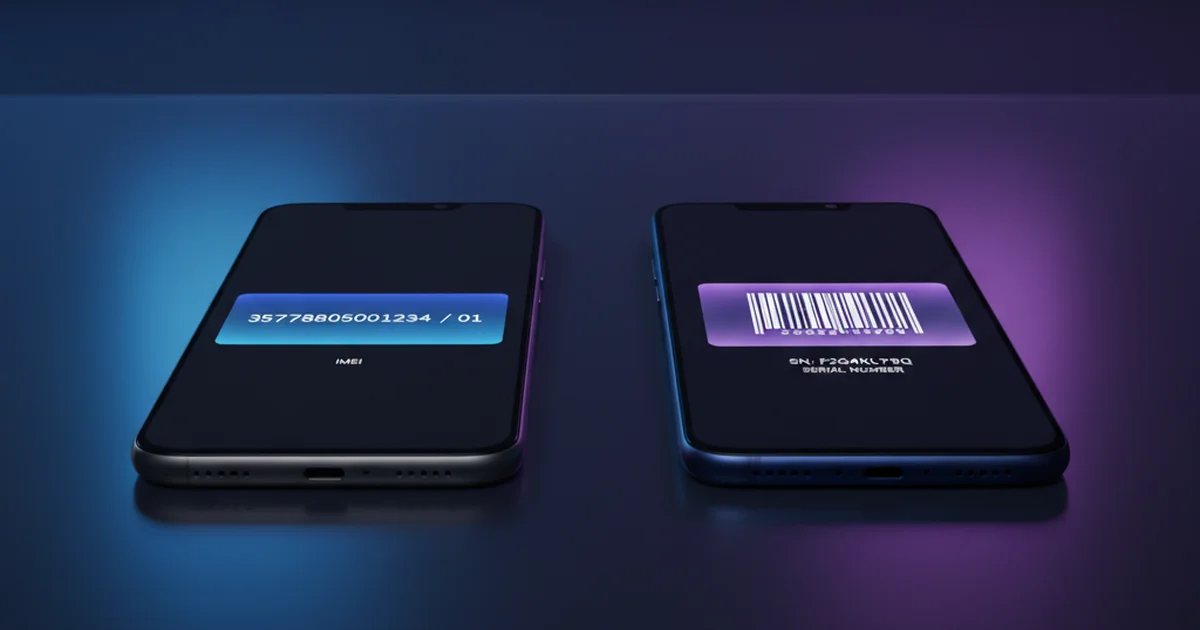
Table of Contents
- What Is an IMEI Number?
- What Is a Serial Number?
- Key Differences at a Glance
- When Do You Need Your IMEI?
- When Do You Need Your Serial Number?
- How to Find Both Numbers on Your Device
- Can a Serial Number Replace an IMEI?
- IMEI and Serial Number on the Same Device
- Frequently Asked Questions
What Is an IMEI Number?
The IMEI (International Mobile Equipment Identity) is a 15-digit numeric code that uniquely identifies a mobile device on cellular networks worldwide. Governed by the GSMA, it has been the global standard for mobile device identification since the 1990s. Every smartphone, tablet with cellular capability, and connected smartwatch has at least one IMEI. Dual-SIM phones have two.
The IMEI is a network-level identifier. When your phone connects to a carrier’s cell tower, the network reads the IMEI and checks it against an Equipment Identity Register (EIR). If the IMEI is blacklisted — because the device was stolen or is unregistered — the carrier can block it from connecting, regardless of which SIM card is inserted. This is what makes IMEI the key tool in anti-theft systems around the world.
The 15 digits break into three parts: the first 8 (TAC) identify the brand and model, the next 6 are the device’s unique production serial within that model, and the final digit is a Luhn check digit that validates the number’s integrity. See the full IMEI structure breakdown.
What Is a Serial Number?
A Serial Number is a manufacturer-assigned identifier unique to each individual device unit. Unlike the IMEI, which follows a strict international format defined by the GSMA, serial numbers have no universal standard. Each manufacturer defines their own format.
Apple serial numbers are typically 12 alphanumeric characters (older format) or 11 characters (newer format introduced in 2021). Samsung serial numbers are usually 11–15 characters. Google Pixel devices use a different format again. There is no global database for serial numbers the way there is for IMEI numbers.
Serial numbers are used by manufacturers to: track production batches and quality control, verify warranty eligibility, process repair and replacement requests, identify devices in product recalls, and manage software activation in closed ecosystems like Apple’s. Carriers and law enforcement do not use serial numbers for any network-level operations.
Key Differences at a Glance
| Feature | IMEI | Serial Number |
|---|---|---|
| Format | 15 digits (numeric only) | Alphanumeric, varies by brand |
| Standard | GSMA international standard | Manufacturer-defined |
| Purpose | Network identity, blacklisting | Warranty, support, manufacturing |
| Used by carriers? | Yes — primary identifier | No |
| Used for theft reporting? | Yes | No |
| Used for warranty claims? | Sometimes | Yes — primary identifier |
| Validation method | Luhn algorithm | None universal |
| Global database? | Yes (GSMA EIR network) | No |
| Dual-SIM devices | Two IMEIs (IMEI1 + IMEI2) | One serial number |
When Do You Need Your IMEI?
There are four situations where your IMEI — and only your IMEI — is the right identifier to use:
1. Reporting a Stolen Phone
When you file a police report or contact your carrier after a theft, they will ask for the IMEI. This is the number used to add your device to the national blacklist. Once blacklisted, the phone cannot connect to any participating network — even if the thief swaps the SIM card. The serial number plays no role in this process. Learn how to block a stolen phone using IMEI.
2. Checking a Used Phone Before Buying
Before purchasing any second-hand device, run an IMEI check through your country’s official portal. This tells you whether the phone is blacklisted, carrier-locked, or has an outstanding finance agreement. A clean IMEI check is one of the most important steps in any used phone purchase. Full guide: checking IMEI before buying a used phone.
3. Unlocking a Phone from a Carrier
When requesting a carrier unlock — either by contacting your carrier directly or using a third-party unlock service — you will always be asked for the IMEI. Carrier lock status is tied to the IMEI, not the serial number.
4. Verifying Device Authenticity
Counterfeit phones often have cloned or fabricated serial numbers. But because IMEI numbers are validated against the GSMA’s global database, a fake IMEI is much harder to sustain. Running an IMEI check can help confirm that a device is genuine hardware from a legitimate manufacturer.
When Do You Need Your Serial Number?
1. Warranty Claims and Repairs
When booking a repair through Apple, Samsung, or any manufacturer’s official service, they use the serial number to verify warranty status and pull up device history. Apple’s Genius Bar, Samsung’s service centres, and most authorised repair partners will ask for the serial number first.
2. Device Registration
Some manufacturers ask you to register your device using its serial number to activate warranty coverage or receive product updates and recalls. This is entirely separate from IMEI registration with carriers.
3. Software and Ecosystem Activation
In Apple’s ecosystem, the serial number is tied to iCloud activation, Find My iPhone status, and AppleCare+ coverage. If you buy a used iPhone, checking the serial number at checkcoverage.apple.com tells you the warranty expiry and whether the device is still covered.
How to Find Both Numbers on Your Device
| Method | IMEI | Serial Number |
|---|---|---|
| Dial code | *#06# (works on all phones) | Not available via dial code |
| iPhone Settings | Settings › General › About › IMEI | Settings › General › About › Serial Number |
| Android Settings | Settings › About Phone › IMEI | Settings › About Phone › Serial Number |
| SIM tray | Laser-etched on some iPhones | Not usually on SIM tray |
| Original box | Barcode sticker | Barcode sticker |
| Apple ID | appleid.apple.com › Devices | appleid.apple.com › Devices |
| Google Account | myaccount.google.com › Devices | Not stored by Google |
The quickest way to get your IMEI is always to dial *#06#. For the serial number, go into Settings. Both are also printed on the original retail box — which is why keeping the box is genuinely useful. Full guide: how to find your IMEI on any device.
Can a Serial Number Replace an IMEI?
No. Serial numbers and IMEIs serve entirely different systems. A carrier’s network infrastructure has no way to look up or use a serial number — it only reads IMEIs. Similarly, a manufacturer’s warranty system doesn’t work from IMEIs in isolation — it uses serial numbers.
There is no situation in which you would substitute one for the other. If you provide a serial number when asked for an IMEI (for example, when reporting a theft), the carrier will not be able to add your device to the blacklist. The request will fail or be processed incorrectly. Always use the right identifier for the right system.
IMEI and Serial Number on the Same Device
Every modern smartphone has both. They coexist on the same device and are used independently by different systems. Your iPhone has an IMEI (for carriers and governments), a serial number (for Apple), and also an ICCID for the SIM and an EID if it’s eSIM-capable.
The practical takeaway: save both numbers somewhere safe — your notes app, a photo of the box, or an email draft to yourself. The IMEI protects you if the phone is stolen. The serial number protects you if the phone needs a repair. You’ll want both at some point.
What is the difference between IMEI and serial number?
IMEI is a network-level identifier used by carriers to authenticate devices and enforce blacklists. Serial number is a manufacturer identifier used for warranty claims and device support. For theft reporting and carrier unlocking, use your IMEI. For warranty and repair requests, use your serial number.
Can I use a serial number to block a stolen phone?
No. Carrier blacklists and national registries like CEIR only work with IMEI numbers. Providing a serial number instead will not result in your phone being blocked. Always use your IMEI when reporting a stolen device to your carrier or police.
Do all phones have both an IMEI and a serial number?
Yes. Every modern smartphone has both a network-level IMEI and a manufacturer serial number. They are completely separate identifiers stored in different systems and used for different purposes.
How long is an IMEI number?
An IMEI is always exactly 15 digits long. It consists of an 8-digit TAC code identifying the manufacturer and model, a 6-digit unique serial number for that unit, and a 1-digit Luhn check digit for validation.
Where can I find my phone’s serial number?
Go to Settings, then About Phone (Android) or General then About (iPhone), and look for Serial Number. It is also printed on the original retail box and can be found in your Apple ID account at appleid.apple.com under your registered devices.
Comment (1) on "Difference Between IMEI and Serial Number"
Comments are closed.