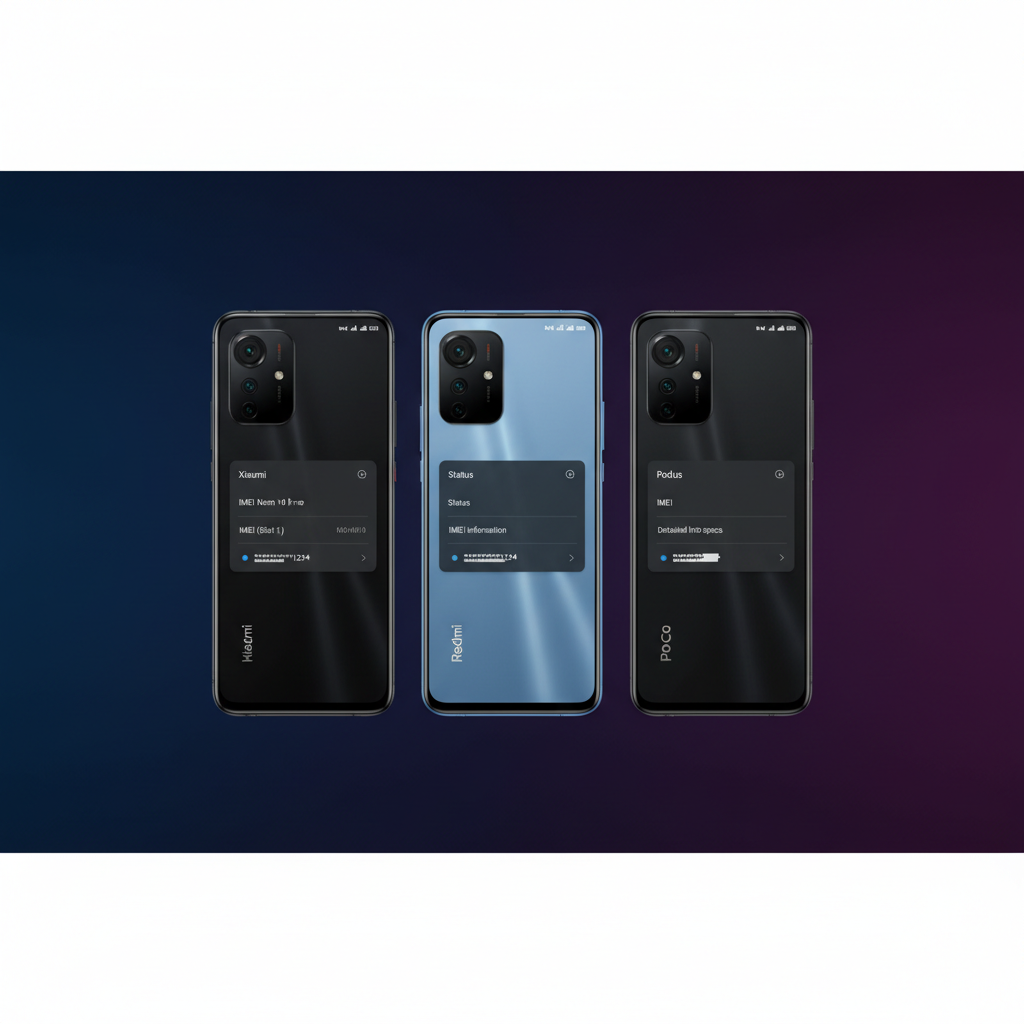

Xiaomi, Redmi, and POCO phones all share the same MIUI or HyperOS software base, which means finding the IMEI follows the same steps across every model. Whether you have a Redmi Note 13, POCO X6 Pro, or Xiaomi 14 Ultra, this guide covers every method — including how to retrieve your IMEI when the phone is not with you.

Table of Contents
- Method 1: Dial *#06#
- Method 2: Settings Menu (MIUI / HyperOS)
- Method 3: About Phone Shortcut
- Method 4: SIM Tray or Back Panel
- Method 5: Mi / Xiaomi Account
- Method 6: Original Box
- Dual SIM Xiaomi Phones — IMEI1 and IMEI2
- IMEI by Popular Xiaomi/Redmi/POCO Models
- What to Do After Finding Your IMEI
- Frequently Asked Questions
Method 1: Dial *#06# (Universal — 5 Seconds)
Open the Phone app and type *#06#. The IMEI screen appears instantly — no need to press call. On dual-SIM Xiaomi phones, both IMEI1 and IMEI2 are shown simultaneously, clearly labelled. This works on every Xiaomi, Redmi, and POCO model running MIUI or HyperOS.
Method 2: Settings Menu (MIUI / HyperOS)
Navigate through the Settings app:
- Open Settings
- Tap About phone
- Tap All specs (on some MIUI versions this step is skipped)
- Scroll to IMEI — both IMEI1 and IMEI2 are listed for dual-SIM models
On HyperOS (Xiaomi 14 series and newer), the path may be slightly different: Settings → About phone → Detailed info → IMEI. Tap and hold any IMEI to copy it to clipboard.
Method 3: About Phone Shortcut
On MIUI, you can reach the IMEI screen faster by tapping the phone number area in the About phone section multiple times. Some Redmi models display the IMEI on the About phone main screen without needing to tap into sub-menus. This varies by MIUI version — if you do not see it immediately, use Method 2.
Method 4: SIM Tray or Back Panel
Many Xiaomi, Redmi, and POCO budget models print the IMEI on a sticker inside the SIM tray slot. To check:
- Power off the phone
- Eject the SIM tray using the provided tool or a paperclip
- Look at the inside of the SIM tray slot — a label may show IMEI1 and IMEI2
This is more common on older or budget Redmi models. Flagship Xiaomi and POCO models typically do not have this label. Regardless, this method works without powering on the device — useful if the screen is cracked or the phone won’t turn on.
Method 5: Mi / Xiaomi Account
If your phone was signed into a Xiaomi (Mi) account, you may be able to retrieve device information from Xiaomi’s Find Device service:
- Go to i.mi.com or the Find Device section in the Mi/Xiaomi app
- Sign in with your Xiaomi account credentials
- Select your device from the list
- Check device details — the IMEI may be listed here
Xiaomi’s cloud service stores less device detail than Google’s Find My Device, so the IMEI is not always available here. If not shown, fall back to your Google account — all Xiaomi/Redmi/POCO phones running Android have a Google account layer that stores the IMEI. How to find IMEI from your Google account.
Method 6: Original Box
Every Xiaomi, Redmi, and POCO retail box has a barcode sticker on the side or bottom showing the IMEI (and IMEI2 for dual-SIM models). This is the most reliable offline backup. Take a photo of this sticker and store it in Google Photos or another cloud service so it is retrievable even if you lose the box.
Dual SIM Xiaomi Phones — IMEI1 and IMEI2
Nearly all Xiaomi, Redmi, and POCO phones sold in Asia, Europe, and other markets are dual-SIM. This means they have two IMEIs: IMEI1 for SIM slot 1 and IMEI2 for SIM slot 2. Both are separate network identifiers — each SIM slot connects to the mobile network under its own IMEI.
If your phone is stolen, report both IMEIs to the police and your carrier. A thief who swaps only one SIM will still appear on the network using the other IMEI — so both must be blacklisted to fully block the device. How IMEI2 works on dual SIM phones — full explanation.
IMEI by Popular Xiaomi / Redmi / POCO Models
| Model | *#06# | Settings Path | Dual SIM | SIM Tray Label |
|---|---|---|---|---|
| Xiaomi 14 / 14 Ultra | ✅ | Settings → About phone → Detailed info | ✅ | ❌ |
| Xiaomi 13 / 13 Pro | ✅ | Settings → About phone → All specs | ✅ | ❌ |
| Redmi Note 13 / 13 Pro | ✅ | Settings → About phone → All specs | ✅ | Varies |
| Redmi Note 12 series | ✅ | Settings → About phone → All specs | ✅ | Varies |
| POCO X6 / X6 Pro | ✅ | Settings → About phone → All specs | ✅ | ❌ |
| POCO F5 / F5 Pro | ✅ | Settings → About phone → All specs | ✅ | ❌ |
| POCO M6 / M6 Pro | ✅ | Settings → About phone → All specs | ✅ | ✅ (budget models) |
| Redmi 12 / 12C | ✅ | Settings → About phone | ✅ | ✅ |
What to Do After Finding Your IMEI
Save It Immediately
Write down both IMEIs (IMEI1 and IMEI2) and store them somewhere separate from your phone — a password manager, email draft, or photo of the box uploaded to cloud storage. This takes 30 seconds and can save hours of effort if your phone is ever stolen.
Verify Before Buying a Used Phone
Buying a second-hand Xiaomi or Redmi? Always run both IMEIs through an official checker before paying. This confirms the phone is not reported stolen, not carrier-locked, and has no outstanding finance agreements. Full guide to IMEI checking before buying a used phone.
Report and Block a Stolen Phone
If your Xiaomi/Redmi/POCO is stolen: immediately lock it via Find Device or Google Find My Device, file a police report with both IMEIs, and call your carrier to request a blacklist. In India, you can also submit directly to the CEIR portal at ceir.gov.in. Step-by-step guide to blocking a stolen phone using IMEI.
Check IMEI Validity
A valid IMEI is 15 digits and passes the Luhn algorithm check. If the IMEI on your phone does not match the box sticker, the device may have been modified or tampered with — which is a red flag for fraud or a counterfeit device. How to check IMEI status online.
How do I find my IMEI on a Xiaomi phone?
Dial *#06# in the Phone app — both IMEI1 and IMEI2 appear instantly. Or go to Settings, then About phone, then All specs (or Detailed info on HyperOS), and scroll to IMEI. The IMEI is also on the original retail box sticker and may be on a label inside the SIM tray slot on budget models.
How do I find my IMEI on a Redmi phone?
The same methods apply to all Redmi models. Dial *#06# for the fastest result. Or go to Settings, then About phone, then All specs. On budget Redmi models, check inside the SIM tray slot for a printed label. The IMEI is also on the original retail box.
Do Xiaomi and Redmi phones have two IMEI numbers?
Yes — nearly all Xiaomi, Redmi, and POCO phones sold outside the US are dual-SIM and have IMEI1 and IMEI2. Both are shown when you dial *#06# or check Settings then About phone. If your phone is stolen, report both IMEIs to police and your carrier.
How can I find my Xiaomi IMEI if the phone is lost?
Check your Google account at myaccount.google.com — select your device and look in device details. You can also check your Xiaomi account at i.mi.com, contact your carrier for their network records, or find the IMEI on the original retail box sticker.
Why does my Xiaomi IMEI not match the box?
If the IMEI shown in Settings does not match the sticker on the box, the device may have been modified or the IMEI may have been changed illegally. This is a criminal offence in most countries and a sign of a potentially counterfeit or tampered device. Contact your carrier to verify the device’s status.