

If you have ever dug into the settings of a dual-SIM phone, you have probably seen two IMEI numbers listed — IMEI1 and IMEI2. Most people ignore the second one, but understanding what IMEI2 is and how it works matters for theft protection, carrier management, and verifying dual-SIM devices before purchase. This guide covers everything you need to know.

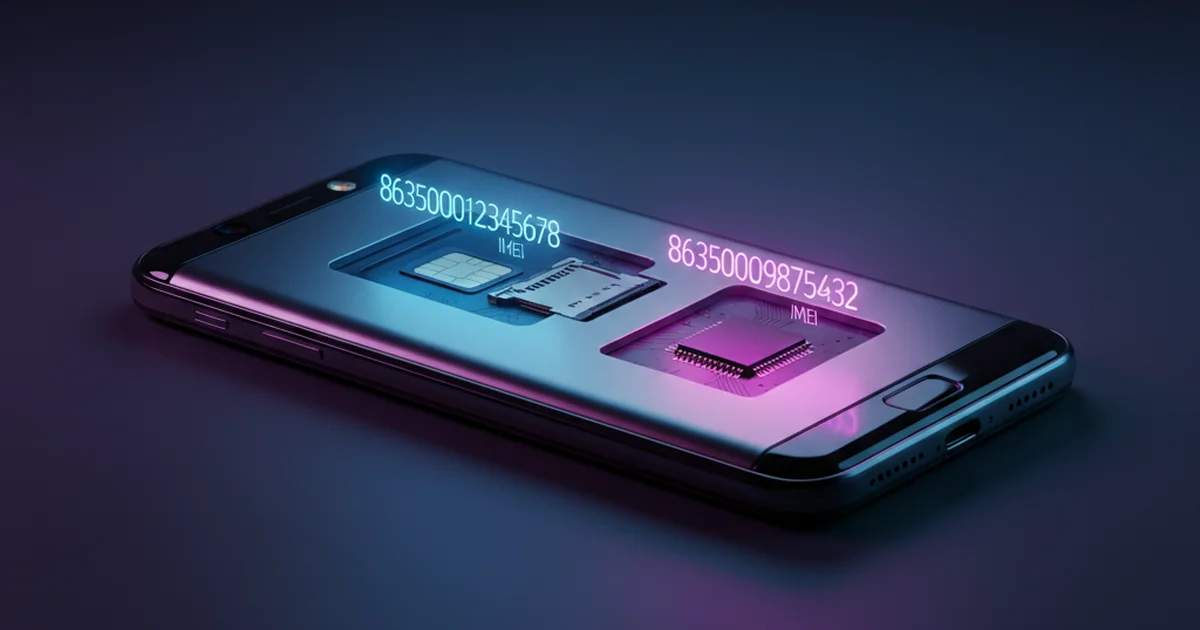
Table of Contents
- What Is IMEI2?
- Why Do Dual-SIM Phones Have Two IMEIs?
- IMEI1 vs IMEI2 — What Is the Difference?
- How to Find IMEI1 and IMEI2 on Your Phone
- Do Both IMEIs Need to Be Reported If a Phone Is Stolen?
- Can IMEI2 Be Blacklisted Separately?
- IMEI2 and eSIM Phones
- IMEI2 in Pre-Purchase Checks
- Frequently Asked Questions
What Is IMEI2?
IMEI2 is the second IMEI number assigned to a dual-SIM mobile device. Every SIM slot on a phone that connects to a cellular network requires its own IMEI. A dual-SIM phone has two active SIM slots, so it has two IMEIs — IMEI1 for the primary SIM slot and IMEI2 for the secondary SIM slot.
Like IMEI1, IMEI2 is a globally unique 15-digit identifier governed by the GSMA standard. Both numbers are permanently assigned to the device hardware at the factory and cannot be changed through software. Both are registered with the manufacturer’s TAC and are tied to the same physical device — they share the same TAC (Type Allocation Code) in the first 8 digits, but differ in the serial number segment (digits 9–14).
Why Do Dual-SIM Phones Have Two IMEIs?
Mobile networks use the IMEI to identify which device is connecting to a cell tower — not which SIM card. When a dual-SIM phone connects to two different networks simultaneously (one per SIM), each network connection needs its own IMEI to be authenticated independently.
Without two separate IMEIs, a carrier would have no way to distinguish whether it is authenticating the primary or secondary SIM slot. The GSMA standard requires that every active cellular radio module has a unique IMEI — so a phone with two active SIM slots must have two IMEIs.
This is also why triple-SIM phones (rare but they exist) have three IMEIs, and why single-SIM phones only have one.
IMEI1 vs IMEI2 — What Is the Difference?
| Feature | IMEI1 | IMEI2 |
|---|---|---|
| SIM slot | Primary SIM slot | Secondary SIM slot |
| Format | Standard 15-digit IMEI | Standard 15-digit IMEI |
| TAC (first 8 digits) | Same as IMEI2 | Same as IMEI1 |
| Serial segment (digits 9–14) | Unique | Unique (differs from IMEI1) |
| Printed on box? | Yes | Yes (on most devices) |
| Used for theft blocking? | Yes | Yes — both should be reported |
| Visible in Settings? | Yes | Yes |
In practice, IMEI1 and IMEI2 are functionally identical — they are just assigned to different radio modules within the same device. Neither is “more important” than the other. Both are valid IMEI numbers that can be checked, blacklisted, or used in pre-purchase verification.
How to Find IMEI1 and IMEI2 on Your Phone
Universal Method — Dial *#06#
Dialling *#06# on any dual-SIM phone will display both IMEI1 and IMEI2 on screen simultaneously. This works on Android and most feature phones. On iPhones with dual SIM (physical + eSIM), it also displays both identifiers.
Android Settings
Go to Settings › About Phone › IMEI Information. Dual-SIM Android phones list both IMEI1 and IMEI2 here. On Samsung devices, the path is Settings › About Phone › Status Information › IMEI Information.
iPhone (Dual SIM models)
Go to Settings › General › About. Scroll down to find IMEI and IMEI2 (or EID if the second slot is eSIM). On iPhone models with a physical + eSIM configuration, the eSIM is identified by its EID rather than a second IMEI in some regions.
Original Box
The retail box of a dual-SIM phone prints both IMEI numbers on the barcode sticker. This is one of the most reliable ways to record both IMEIs before the phone is activated.
Full guide: how to find your IMEI on any device.
Do Both IMEIs Need to Be Reported If a Phone Is Stolen?
Yes — ideally both. When a phone is stolen, the thief might remove the primary SIM and only use the secondary slot. If only IMEI1 is blacklisted, the secondary SIM connection (authenticated via IMEI2) could still function on some networks.
In practice, most carriers and national registries (like India’s CEIR, the UK’s NMPR, or the GSMA’s international database) will blacklist both IMEIs simultaneously when a dual-SIM device is reported. But to be safe, always provide both IMEI numbers when filing a theft report with the police and your carrier. Step-by-step: how to block a stolen phone using IMEI.
Can IMEI2 Be Blacklisted Separately?
Yes, in theory. Each IMEI is an independent identifier and can technically be added to a blacklist independently of the other. However, most carriers treat dual-SIM devices as a single unit and blacklist both IMEIs together when processing a theft report.
If you are unsure whether both IMEIs were blacklisted, you can check each one independently through your country’s official IMEI check portal. Run the check on both IMEI1 and IMEI2 to confirm both are showing as blocked.
IMEI2 and eSIM Phones
The rise of eSIM has changed how the second identifier works on many modern devices. On phones with one physical SIM slot and one eSIM (like most recent iPhones and high-end Android flagships), the eSIM is identified by an EID (Embedded Identity Document) rather than a traditional IMEI.
However, the eSIM’s radio module still has an IMEI assigned to it for network authentication purposes — the EID is an additional layer of identification for the eSIM profile management system. So even on eSIM-capable devices, both IMEIs are typically present and functional for carrier authentication and blacklisting.
IMEI2 in Pre-Purchase Checks
When buying a used dual-SIM phone, check both IMEIs — not just IMEI1. A phone might have a clean IMEI1 but a blacklisted IMEI2, which would cause issues if you ever use the secondary SIM slot. Running checks on both numbers takes less than two minutes and eliminates this risk entirely.
Also verify that both IMEIs match what is printed on the box. If the IMEIs in settings do not match the box sticker, the device may have been tampered with or the box may belong to a different unit — both are serious red flags. See our full used phone IMEI check guide.
What is IMEI2 on a dual SIM phone?
IMEI2 is the second IMEI number assigned to the secondary SIM slot on a dual-SIM phone. Every active SIM slot requires its own unique IMEI for network authentication. IMEI2 works identically to IMEI1 — it can be checked, blacklisted, and used for theft reporting.
How do I find IMEI2 on my phone?
Dial *#06# and both IMEI1 and IMEI2 will appear on screen. You can also go to Settings, then About Phone, then IMEI Information on Android, or Settings, then General, then About on iPhone. Both numbers are also printed on the original retail box.
Should I report both IMEI1 and IMEI2 if my phone is stolen?
Yes. Report both IMEI numbers to your carrier and police when filing a theft report. Most registries will blacklist both simultaneously, but providing both numbers explicitly ensures complete coverage across all SIM slots.
Do single-SIM phones have an IMEI2?
No. Single-SIM phones only have one active radio module and therefore only one IMEI. IMEI2 exists only on devices with two active SIM slots — either physical dual SIM or a physical SIM plus eSIM configuration.
Can IMEI1 and IMEI2 be different brands or models?
No. Both IMEI1 and IMEI2 on the same device share the same TAC code (first 8 digits), which identifies the same manufacturer and device model. Only the serial segment (digits 9 to 14) differs between them.